Artificial Intelligence (AI) UI design and normal UI design both aim to create user-friendly interfaces, but they differ in how they adapt to users and use technology. Normal UI relies on fixed layouts and manual inputs, while AI UI uses smart algorithms to personalize and evolve experiences in real-time.
Core Design Philosophy
Normal UI design focuses on static, predefined elements like buttons, menus, and forms. Designers craft wireframes and prototypes using tools like Figma or Adobe XD, ensuring consistency across devices. The goal is predictability—users know exactly where to click, based on principles like Hick’s Law for quick decisions.
AI UI design, however, builds adaptive interfaces powered by machine learning. Instead of rigid paths, it predicts user needs using data from behavior, context, and preferences. For example, an AI-driven music app might reorder playlists dynamically without user input, shifting from rule-based navigation to probabilistic interactions.
Interaction and Personalization
In normal UI, interactions are direct and uniform: taps, swipes, or scrolls trigger set responses. Personalization requires manual settings, like theme toggles or account profiles. This works well for simple apps but feels generic for complex needs.
AI UI excels in natural, conversational interactions via voice, gestures, or text prompts. Tools like generative AI (e.g., ChatGPT-inspired interfaces) create on-the-fly customizations. Netflix’s recommendations or Google’s adaptive search are prime examples—interfaces that learn and refine without redesigns, offering hyper-personalized flows.
Tools and Workflow Differences
Normal UI workflows involve iterative sketching, user testing, and pixel-perfect refinements. Designers handle everything manually, from color schemes to responsive breakpoints using CSS frameworks like Tailwind.
AI UI leverages automation: AI tools like Uizard or Galileo AI generate layouts from text prompts, speeding prototyping by 10x. Workflows blend human oversight with AI iteration—designers prompt, refine outputs, and train models on user data. This reduces grunt work but demands skills in prompt engineering.
| Aspect | Normal UI Design | AI UI Design |
|---|---|---|
| Adaptability | Static, manual changes | Dynamic, learns from data |
| Speed | Slow iterations (weeks) | Rapid prototyping (hours) |
| User Input | Explicit clicks/swipes | Implicit predictions/voice |
| Scalability | Limited by designer’s time | Scales with data/compute |
Challenges and Ethics
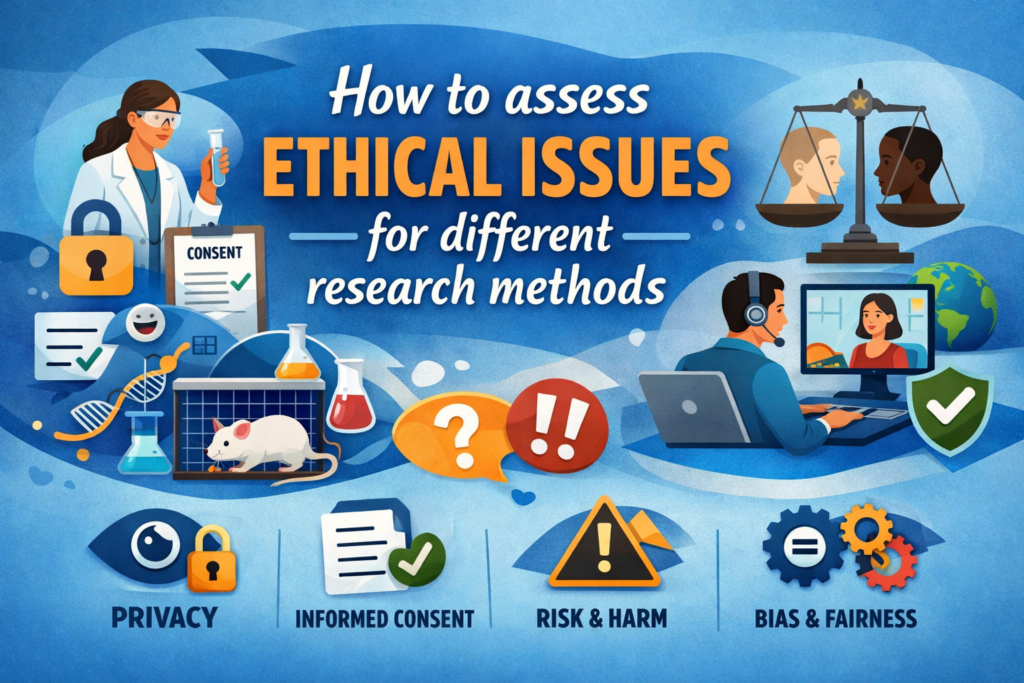
Normal UI prioritizes accessibility and consistency but struggles with scale. AI UI introduces risks like bias in algorithms or opaque decisions (“black box” effects). Ethical checks—transparency, fairness- and audits—are crucial. Normal design ensures WCAG compliance; AI needs explainable AI (XAI) for trust.
Future Outlook
AI UI doesn’t replace normal UI; it enhances it. Hybrid approaches, like AI-assisted prototyping in traditional flows, are rising. For UI/UX pros, mastering both means blending creativity with tech smarts.
In summary, normal UI is reliable scaffolding; AI UI is living architecture. Choose based on project needs—static for control, AI for innovation.